
News
Light + Building 2026
The TM-PROG 2 has five modes of operation — D2, DL, CB R, DA, and CB — which allow the addresses and functions of luminaires and devices in TM-CB M, DATA 2, DATA 3, DALI and DALI-2 systems to be modified.

Intuitive operation
Switch the tool into CB mode using the ▲ ▼ buttons until the CB indication is displayed next to the battery status.
Use the ▶ button to select the address reading command. Field 1 will be highlighted and an animated icon of the address reading mode will appear.
Once the data has been read, the tool switches automatically to field 2. If the reading is unsuccessful, the address will not be displayed and an error code will appear in field 3. If the tool cannot read the luminaire address, it must be moved closer to the luminaire or possibly repositioned relative to the plane of the luminaire.
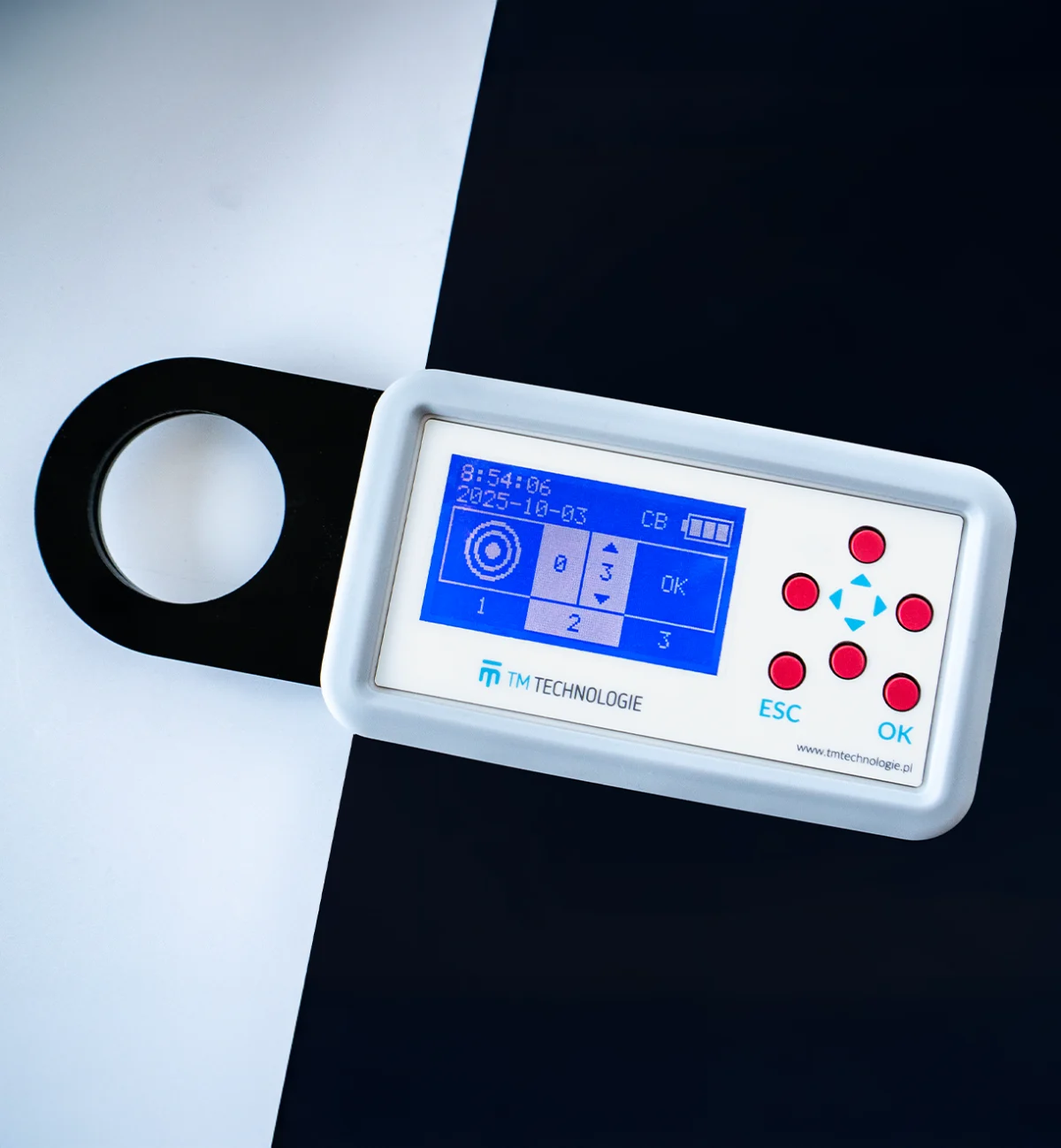
Designed with your comfort in mind.
Hassle-free setup friendly and failsafe. The built-in battery ensures long operating times.
In field 2, set the address number with ▲▼. Use the ◀▶ arrows to select the digit. In CB mode, you can select addresses from 1 to 20.
The OK button confirms the selection. Once the last digit is confirmed, the tool switches for field 3. Press OK or ▶ to enable the address upload options. Move the tool close to the luminaire.
Once the address has been stored, the user will get an OK message on screen.
Keep up to date with company life and our news.